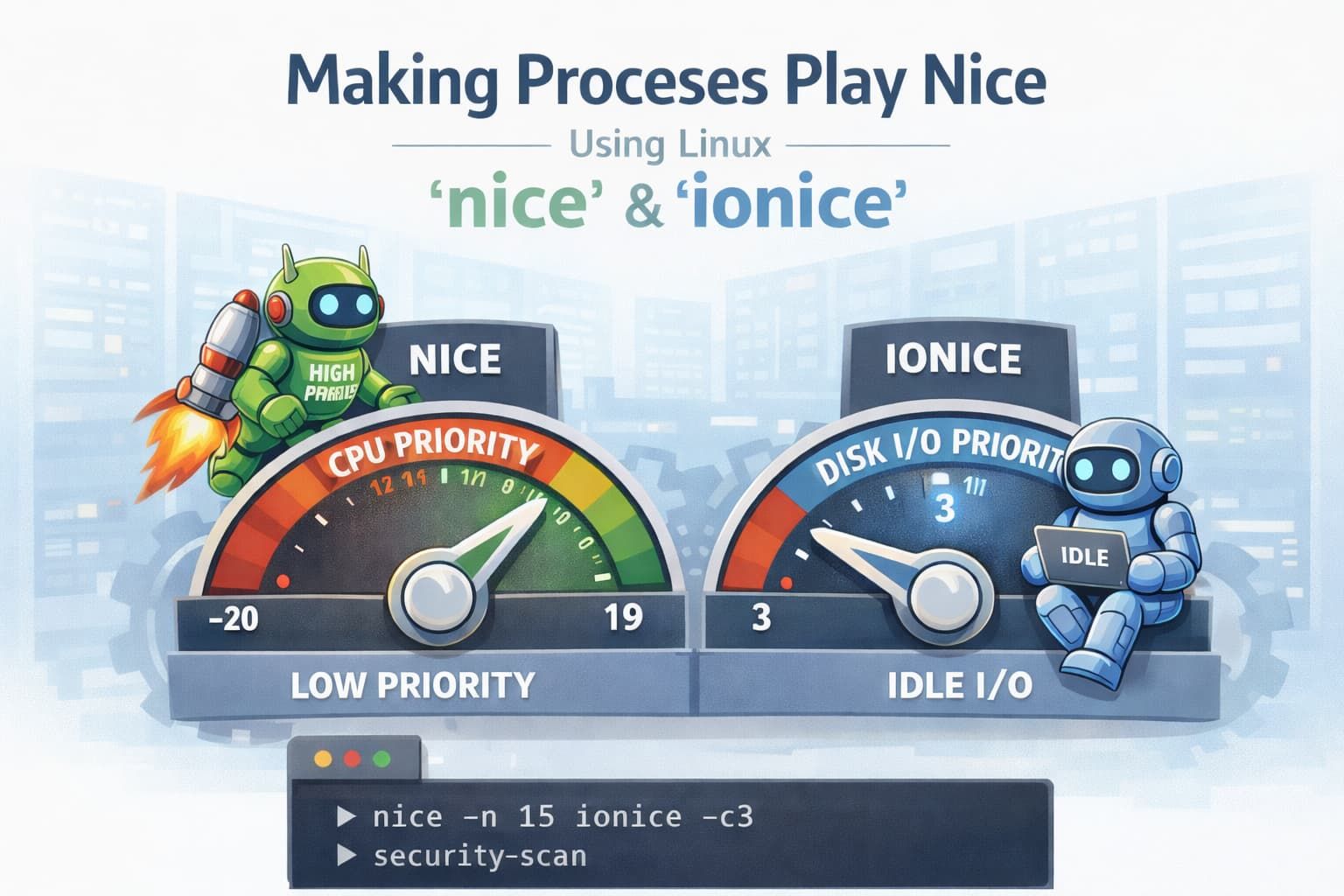
Linux nice & ionice: Prevent Background Jobs from Impacting Production
When hosting applications for different applications and websites, we need to run multiple different kinds of maintenance tasks on a server to make sure security is up to date, settings are provisioned, security scans are run, and a raft of other things.
An example is running a WordPress security scan during a traffic spike. The scan chews CPU and disk, PHP workers back up, pages slow down… and suddenly you’re dropping real users and real revenue.
Other such maintenance tasks include:
- Security scans
- CMS and plugin audits (WordPress, Drupal, etc.)
- Malware detection
- File integrity checks
- Backups
- Log analysis
- Provisioning and configuration management
All of these are necessary, but if you’re not careful, they can crash performance at the worst time.
This is where nice and ionice come in handy.
NICE - CPU Priority
nice controls CPU scheduling priority for a process.
Linux uses a numeric “niceness” value from -20 to 19:
- 20 → highest priority (least nice to others)
- 0 → default
- 19 → lowest priority (most nice to others)
The higher the number, the lower the priority.
For maintenance tasks like security scans, malware detection, or plugin audits, we want them to run — just not at the expense of live traffic.
Running a Command With nice
You can start a process with a lower CPU priority like this:
nice -n 15 wp plugin list
This basically tells the Linux scheduler: “Run this, but let everything else go first.”
Which results in:
- Web requests stay responsive
- Short CPU bursts from real users take precedence
These are really useful when:
- Running scans outside normal hours but not guaranteed quiet hours
- Operating on shared or multi-tenant servers
- Running cron jobs that must complete but aren’t time-critical
Changing Priority of a Running Process
If something is already running and you realise it’s being too aggressive:
renice 15 -p <PID>
IONICE - Disk IO Priority
CPU isn’t the only thing that will starve an active site of resources.
We’ve seen a lot of sites start dropping requests because of disk IO saturation, not CPU exhaustion.
We can improve that by using ionice .
ionice controls how aggressively a process can access disk IO, which is useful when:
- Scanning large WordPress installs
- Traversing millions of small files
- Running malware or integrity checks
- Performing backup verification
IO Scheduling Classes
The most useful classes are:
- Class 2 – Best Effort (default)
- Class 3 – Idle (only runs when disk is otherwise idle)
For background scans and non-critical processes, Idle is usually what you want.
Running a Command With ionice
ionice -c3 wp plugin list
This means “Only touch the disk when nothing more important needs it.”
This makes sure
- Databases stay responsive
- Web Requests doesn’t block on disk reads
- Other applications or sites aren’t impacted
Using nice and ionice Together
In almost all maintenance scenarios, we want to make sure neither the CPU or IO is saturated
Such an example for an intensive scan may be
nice -n 19 ionice -c3 clamscan -r /srv/example.com
The above commands ensures
- The scan runs eventually
- Web requests get the CPU when they need it
- Sudden spikes don’t cause outages
- We don’t make mistakes when timing maintenance tasks
Looking for a hosting provider for your website or applications? Contact our team at our Adelaide Head Office to discuss custom hosting solutions that fit your business perfectly.
Digitize, Adelaide, SA 5000, Australia
Phone: +61 (08) 7081 1100